Offload
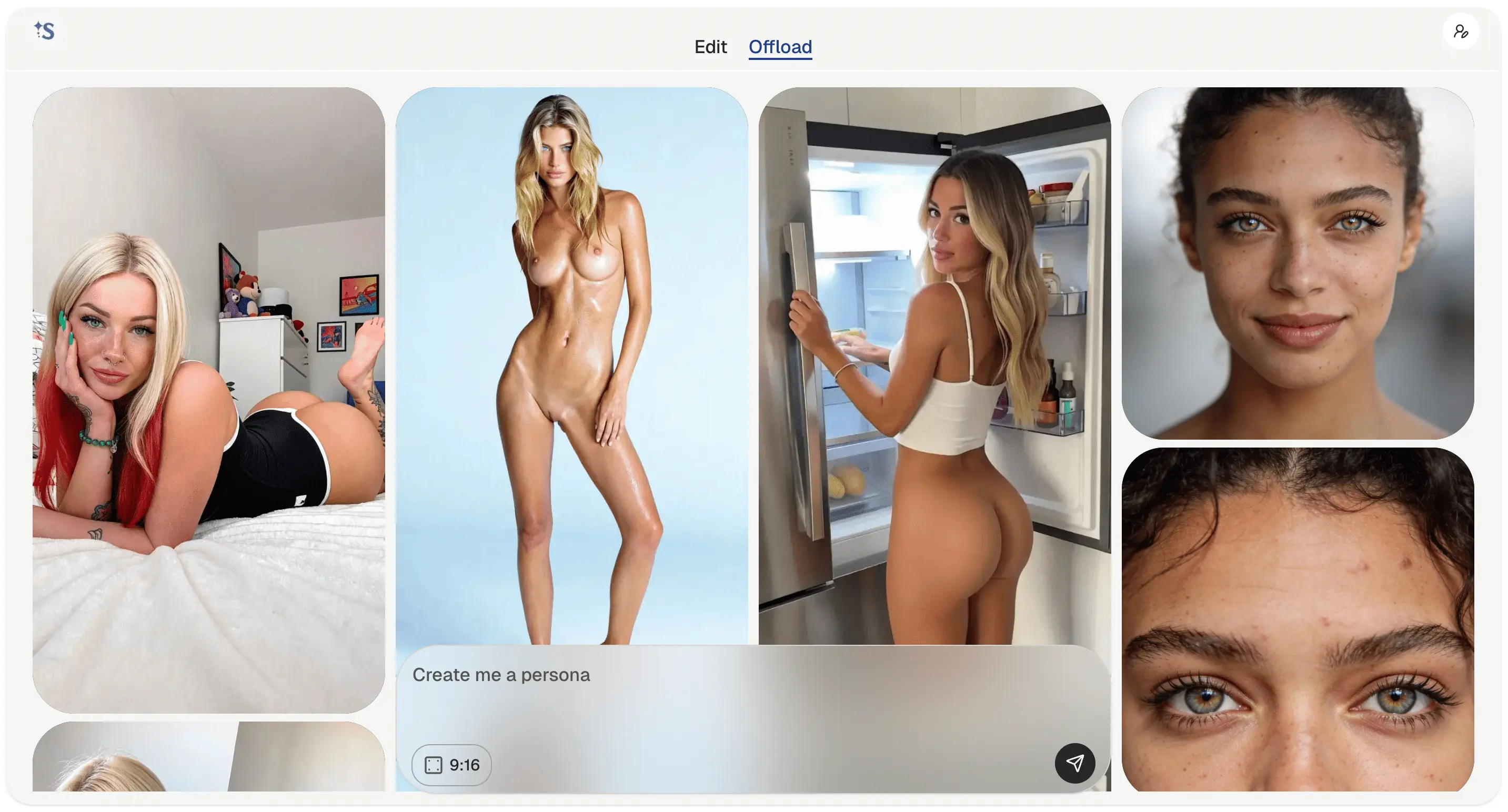
01 / The Input
To begin, enter your vision in the **UserInput** field. ScintAI is designed to translate detailed descriptive language into cinematic frames.
By default, the 9:16 aspect ratio is selected. This is the optimal format for social media architectures like Reels and YouTube Shorts, ensuring your generated content fits perfectly into modern mobile feeds.
Tip: Use specific background details for higher realism.
Industry Standard / Reels
02 / Generated Image
Once generated, your vision comes to life. Every image is housed in a sophisticated dialog that offers full control over your creation.
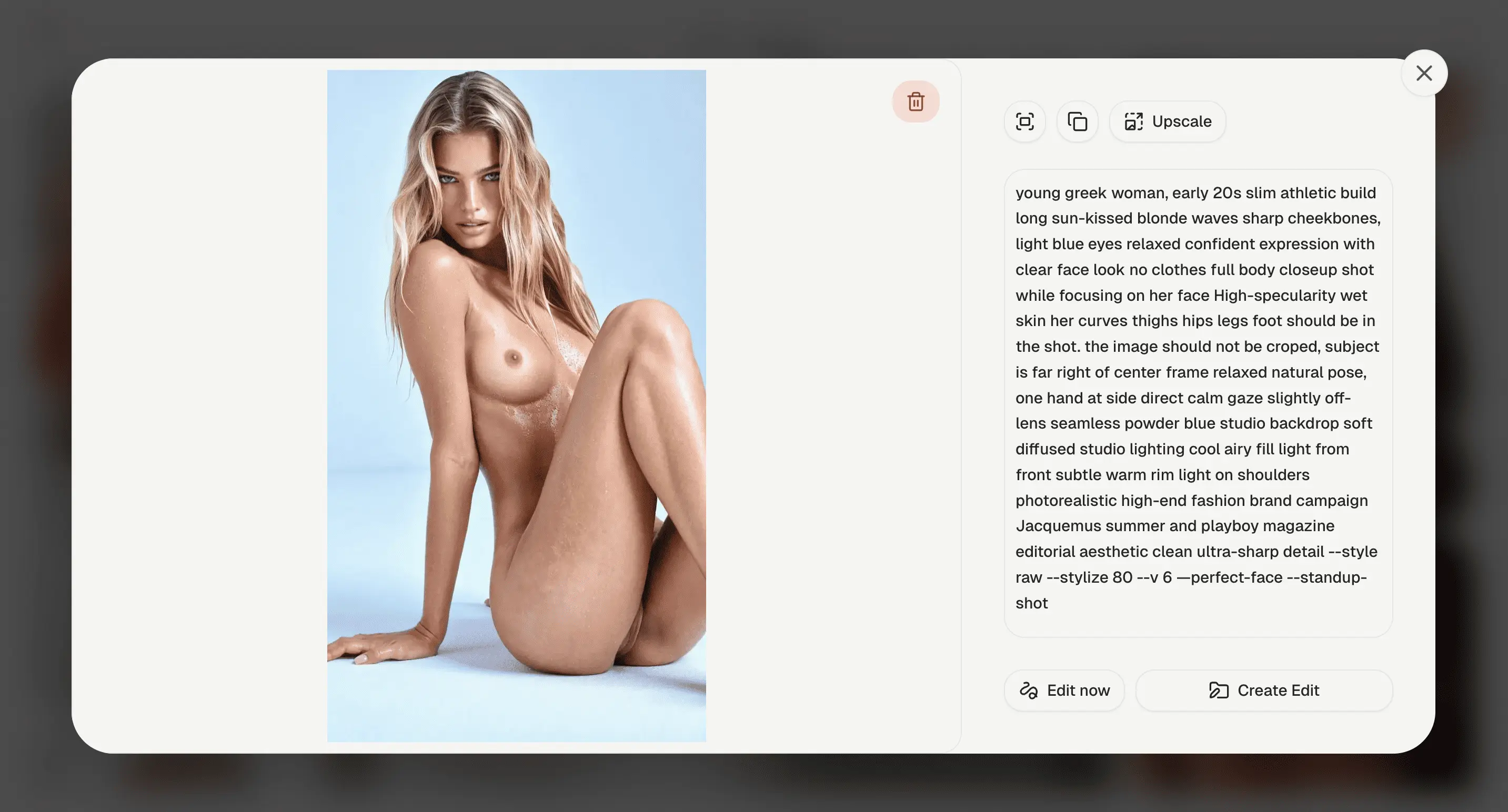
Precision Controls
The detail dialog is more than just a viewer—its a production suite. From here, you can upscale for skin-texture realism, copy the exact prompt for future iterations, or bridge directly into our editing pipeline.
- Full Screen Mode
- Copy Prompt
- Upscale Image
- Edit Now
03 / Edit Now
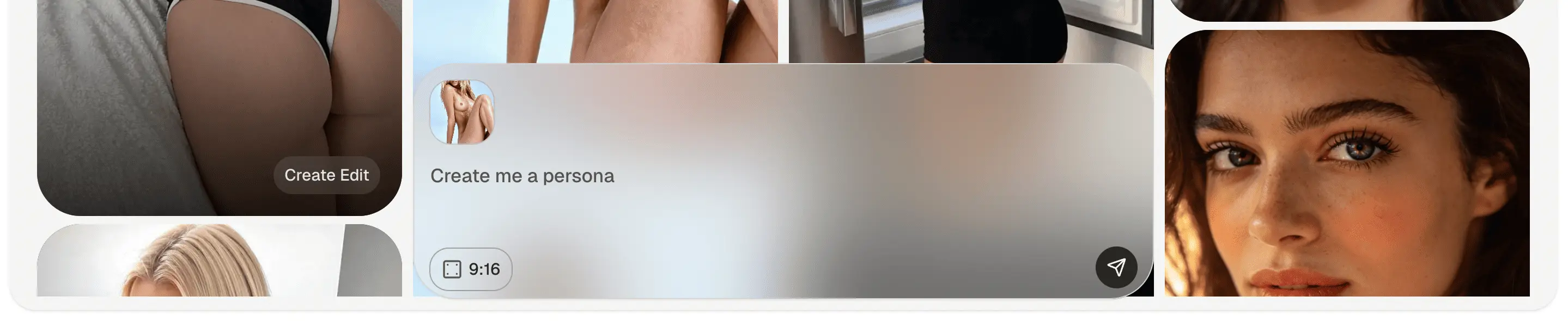
The Edit Now feature allows you to instantly select any generated image as a base for your next creation.
You can select multiple images (up to 3) to guide the AI, creating a powerful cocktail of reference frames that ensure your next generation maintains the same soul and style.
04 / Premium Models
ScintAI offers a suite of premium generation models, each tuned for a different creative goal.
Scint Max
Fast, realistic porn generation. The go-to model for quick, high-quality results.
Scint Anatomy
Super hyper-realistic model built for anatomically precise porn generation.
Video Tab
Generate porn videos with configurable duration and optional audio.
You need credits to use these models.
If you have no credits, you can still have fun on our platform. You can get unlimited AI porn generation for free — every single day. For more, check out Buzz.